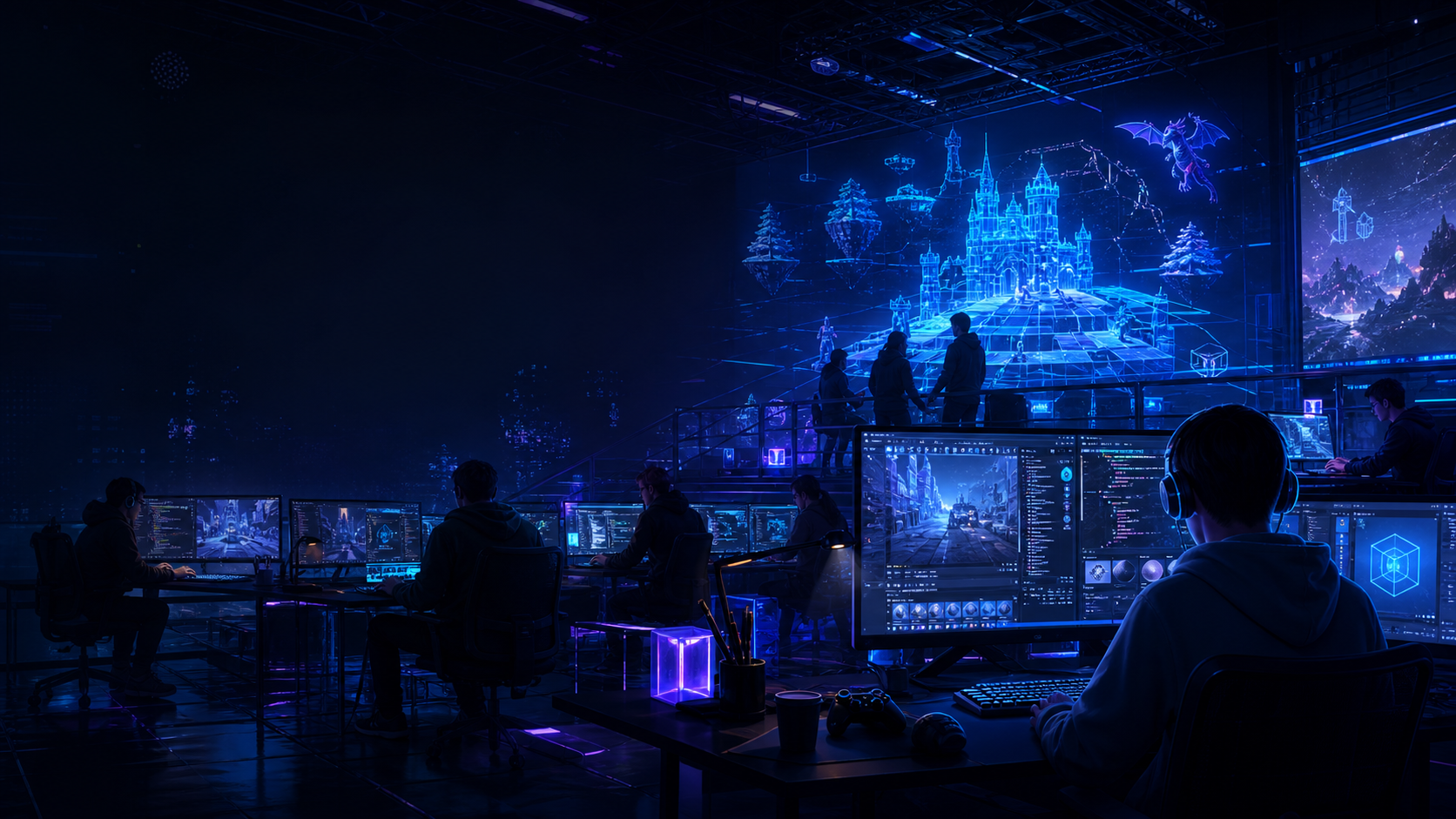
The Eduvos Game Jam
A hackathon-style game development experience that brings together students, developers, designers and gaming enthusiasts to create playable games in a limited time frame.
 Eduvos Game Jam
Eduvos Esports Game Development Programme
Welcome, students. This is your central hub for the Eduvos Game Jam Hackathon Series, a hands-on journey that takes you from your first introduction to Godot Engine through to creating, polishing and presenting your own playable game.
Across the series, students will learn how to use Godot to design, build, and polish their own games from scratch. Topics include game design principles, level and world creation, player mechanics, scripting with GDScript, user interfaces, audio and visual effects, game polish, playtesting, and preparing a final game for showcase and judging.
Welcome, Game Creators
Welcome to your Game Jam journey. This programme has been designed to provide guidance, structure and support for every stage of the game development process.
Students will receive practical information on how to create a game, understand the rules and expectations, plan as a team, develop their ideas, refine their projects and prepare for judging.
The Game Jam workbooks include planning space, learning outcomes, support resources and training content. On this website, shared information lives on the Home page, while each hackathon page focuses only on that session's specific learning content.
A hackathon-style game development experience that brings together students, developers, designers and gaming enthusiasts to create playable games in a limited time frame.
Participants brainstorm, build, test and improve their game using the Godot Engine.
The programme builds technical confidence, creative problem-solving, collaboration and presentation skills while giving students a platform to showcase their work.
Eduvos Houses
Each campus has six houses. Students will participate within their house, form teams and represent their house throughout the Game Jam journey.
 01
LESEDI
Rooted in belonging and community - honouring heritage, harmony, and unity.
 02
UMOYA
Shining with joy and unity - lighting the way forward as one.
 03
PULA
Built on respect and resilience - strength through reflection and endurance.
 04
MOYO
Fuelled by passion and resilience, Moyo represents drive, courage, and the pursuit of purpose.
 05
LEFATSHE
A symbol of compassion, connection, and growth - reminding us that together, we thrive.
 06
SERITI
The wind of freedom and intellect - connecting minds and inspiring movement.
Game Jam Roadmap
Follow the full journey from Hackathon 1 to submissions and the final live judging showcase at Comic Con Africa.
Real-time collaboration and support
Students can join the live sessions on Discord and stay connected through the WhatsApp community. These channels help teams ask questions, collaborate, receive remote support and participate in live training or troubleshooting sessions.
Join structured live support sessions, ask technical questions and work with your team in real time.

Stay updated, receive reminders and keep communication flowing between sessions.
How Games Will Be Scored
Games will be reviewed across gameplay, objective, completion, visual quality, design, fun and presentation.
The game should have clear mechanics, controls and player interaction. Strong gameplay should be engaging, balanced and intuitive.
The game should have a clear theme or objective that gives players purpose and direction.
The game should be functional, playable and polished, with minimal technical issues.
The game should have appealing visuals, a consistent style and a strong visual experience.
The game should show thoughtful level design, pacing, structure and player flow.
The game should be enjoyable, rewarding and engaging to play.
The team should present their game clearly, confidently and professionally.
Tools and Software
Students will use Godot Engine as the main production tool, with third-party websites available for game assets and learning resources.
Hackathon 1
Hackathon 1 is the starting point of the Eduvos Game Jam journey. Students are introduced to Godot Engine, GDScript and the basic principles of game creation.
Godot is an open-source game engine used to create 2D and 3D games with scenes, nodes, scripting tools and built-in testing workflows.
GDScript is Godot's beginner-friendly scripting language for creating player controls, interactions, UI behaviour and game systems.
Students create and open a basic Godot project, learn how scenes and nodes work and begin shaping a playable prototype.
Students learn the editor layout, scene tree, inspector, asset workflow and how to test a basic game environment.
The session helps teams plan a simple level, place assets, preview gameplay and understand early scripting concepts.
Hackathon 2
Hackathon 2 helps students take their game development skills further by focusing on level creation and environment design in Godot.
Design playable spaces that support the goals and mood of the game.
Sculpt and shape terrain for natural, urban or fantasy game spaces.
Paint textures and place environmental assets with purpose and consistency.
Use environment design and storytelling to make worlds feel intentional.
Think critically about scale, navigation, player movement and readable routes.
Hackathon 3
Students explore game design, asset workflows and animation principles for Godot projects.
Plan project-ready assets such as characters, NPCs, creatures, props, items, furniture, buildings and environmental objects.
Understand basic animation workflows and use motion to improve feedback and storytelling in Godot.
Connect visual design, movement and gameplay to create a stronger player experience.
Use characters, props and animation to support narrative and world identity.
Export, import and optimise assets for game use across tools.
Hackathon 4
Students move deeper into the technical side of game development by building more interactive, balanced and engaging gameplay systems.
Build health, damage, healing, scoring, XP, progression, respawn, power-up and player advancement systems.
Use scenes, nodes, signals, GDScript and reusable systems more effectively.
Prototype Capture the Flag, Deathmatch, King of the Hill, Escort Missions, Co-op Missions and Battle Royale-inspired modes.
Balance gameplay through testing and improve replayability.
Support Week
Support Week is the final support period before the showcase. It helps teams move from a working game to a polished, playable and showcase-ready project.
Teams receive guidance on design, technical problems and final improvements.
Identify and resolve issues that affect stability or playability.
Improve frame-rate, asset use and overall build reliability.
Refine how the team explains and demonstrates the game.
Tune difficulty, feedback, controls and player flow.
Prepare teams to present with clarity and professionalism.
Hackathon 5
Hackathon 5 is the final stage of the journey. Students polish their games, fix bugs, improve performance, enhance visuals and prepare a strong final pitch.
Focus on bug fixing, performance profiling, frame-rate optimisation, asset optimisation, code cleanup, edge case handling and regression testing.
Strengthen controls, feedback, difficulty, pacing and moment-to-moment play.
Improve visuals, UI, player guidance and overall presentation quality.
Connect the final build to the scoring rubric and explain design decisions clearly.
Opening: team, title, genre and concept. Demo: gameplay and mechanics. Technical section: tools, systems and challenges. Closing: future vision and Q&A.

Comic Con Africa Showcase
The top 5 teams will present their game live at Comic Con Africa on the 26th of September. More information will be shared closer to the time.
Game Submission
Teams must complete a game presentation and create a short gameplay video for Top 5 selection and judging.
Top 5 Selection
After weeks of learning, creativity and development, the strongest game projects will be reviewed and selected.
A panel of mentors and industry professionals will evaluate games based on innovation, gameplay mechanics, visual design and overall execution.
This is the moment where student projects move from internal development to public recognition.
The selected Top 5 teams will earn the opportunity to showcase their games live at Comic Con Africa.
Judging
The final judging takes place live at Comic Con Africa. Teams present their completed games to judges and industry professionals.